


Ableton Live 12
Ableton Live 12 is a big name in music software, especially if you’re into electronic music, but it’s also totally usable for other styles. What makes it stand out for beginners is its unique “Session View.” Think of it like a grid where you can drop in loops and ideas to see how they sound together. It’s a really fast way just to mess around and come up with song parts without getting bogged down in a traditional timeline. Once you have some ideas, you can then move them over to the “Arrangement View,” which is more like a standard song structure.
It’s got a clean look, which helps, though its approach is a bit different from other programs, so it might take a little getting used to. But honestly, that Session View is a game-changer for getting past that initial “what do I do now?” feeling. You can start playing with sounds and build from there.
Ableton Live comes in a few versions:
- Intro: This is the most basic one, good for getting started.
- Standard: This opens up a lot more features and instruments.
- Suite: This is the full Ableton package with everything.
For beginners, the Suite version can seem pretty expensive upfront. But they have a rent-to-own option through Splice, which breaks the cost down into smaller monthly payments. This makes getting the full professional setup much more manageable when you’re just starting. Plus, there are tons of tutorials online, so if you get stuck, you can usually find someone who’s already figured it out and made a video about it.
Logic Pro
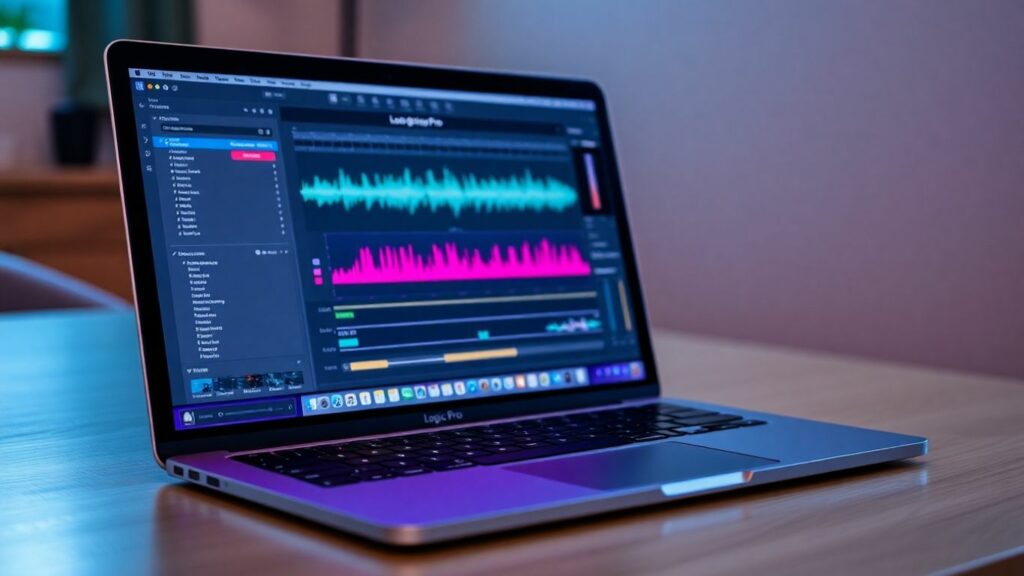
Logic Pro is Apple’s professional-grade music production software, and it’s a really solid choice if you’re already in the Apple ecosystem. Think of it as the souped-up version of GarageBand. If you’ve tinkered with GarageBand, you’ll find the transition to Logic Pro pretty smooth because they share a similar design. It’s packed with a huge library of sounds, virtual instruments, and effects, so you won’t need to buy a ton of extra stuff right away.
One of the cool things about Logic Pro is its value. You buy it once, and that’s it – all future updates are included. For beginners serious about learning music production and using a Mac, this one-time purchase model is a great deal. It’s not just about the tools, though. Logic Pro has features like the AI-powered Drummer, which can create realistic drum beats, and built-in lessons that can help you get up to speed.
Here’s a quick look at what makes it stand out:
- Massive Sound Library: Includes a vast collection of instruments, loops, and effects. This means you have a lot to play with right out of the box.
- Intuitive Workflow: If you’ve used GarageBand, the interface will feel familiar, making it easier to learn.
- Learning Tools: Features like interactive lessons and the virtual Drummer help flatten the learning curve.
- Professional Features: It includes advanced mixing and mastering tools so that you won’t outgrow it quickly.
Logic Pro is exclusively for Mac users, which is something to keep in mind. But if you’re on a Mac and looking for a powerful, long-term solution that won’t break the bank with subscriptions, Logic Pro is definitely worth considering.
FL Studio
FL Studio, originally known as Fruity Loops, has a massive following, especially in the hip-hop and electronic music worlds. It’s a really solid choice for beginner-friendly beat makers because its workflow is built around patterns. You basically create little musical ideas, like a drum loop or a melody, in separate “patterns,” and then you arrange those patterns in the “Playlist” to build your song. It feels a bit like putting together building blocks, which can be less intimidating than staring at a blank timeline.
The interface looks pretty cool, though it has a lot of windows, which might seem overwhelming at first. But the step sequencer, where you click squares to place drum hits, is super easy to get the hang of. You can start making beats almost immediately. Plus, it comes with a bunch of built-in instruments and effects, so you don’t really need to buy anything extra to get going.
One of the biggest draws for FL Studio is its lifetime free updates. You buy it once, and you get all future updates for that version for free. That’s a huge deal compared to other software, where you have to pay for new versions. It makes the initial cost feel a lot more worthwhile.
Here’s a quick look at what makes it stand out:
- Pattern-Based Workflow: Great for quickly building loops and song sections.
- Step Sequencer: Makes programming drums really visual and fun.
- Lifetime Free Updates: Unbeatable value for long-term use.
- Vibrant Community: Tons of tutorials and help are available online.
FL Studio comes in a few different versions, starting with the Fruity Edition and going up to the All Plugins Edition. The Producer Edition is usually the sweet spot for beginners because it adds audio recording capabilities, which are pretty important if you plan on recording vocals or live instruments down the line.
GarageBand
GarageBand is basically Apple’s gift to anyone who wants to start making music without breaking the bank or getting overwhelmed. It comes free with every Mac, iPhone, and iPad, which is pretty sweet. Think of it as the friendly introduction to music production, a really solid DAW for new musicians.
It’s got this super simple layout that doesn’t make you feel like you need a degree to figure it out. You get a bunch of built-in sounds, loops, and even cool virtual instruments and guitar amp simulators. Plugging in a mic or an instrument is usually pretty straightforward, so you can start recording ideas pretty quickly. Plus, there’s this neat ‘Drummer’ track that can lay down beats for you, which is a lifesaver when you’re just trying to get a song structure going.
One of the best things is that if you decide you want to get more serious, GarageBand projects can be opened right up in Logic Pro, Apple’s professional software. It’s like a smooth transition, so you don’t have to start over. It might not have all the super-advanced mixing tools of some pricier software, but for learning the ropes and getting your first tracks down, it’s hard to beat.
- Ease of Use: Designed for beginners with a clean interface.
- Included Content: Comes with a good selection of loops, instruments, and effects.
- Apple Ecosystem Integration: Works across Mac, iPhone, and iPad, with easy project transfer to Logic Pro.
- Cost: Absolutely free on Apple devices.
Pro Tools
For a long time, Pro Tools has been the go-to software in professional recording studios. It’s pretty much the industry standard. Now, Avid has made it more accessible for folks just starting, which is great if you’re aiming for that pro studio sound. They offer Pro Tools Intro, and it’s completely free. This version lets you get a feel for the basic tools used in making tons of popular songs. You can learn the core stuff like recording, editing, and mixing without spending any money.
If you decide Pro Tools is your jam, and you want more features, there’s a clear path to upgrade. Learning Pro Tools early on can be a big help if you ever want to work in a commercial studio or with experienced music makers.
Here’s a quick look at what makes Pro Tools stand out for beginners:
- Free Intro Version: A solid free starting point with essential editing and mixing tools.
- Industry Workflow: You’ll learn the same editing and mixing methods used in top studios.
- Included Plug-ins: Comes with a decent set of effects and virtual instruments to get you going.
- Upgrade Options: A tiered system means the software can grow with you as you get better.
While the subscription model might not be for everyone, and it can feel a bit more challenging to learn than some other options, the chance to learn the professional standard for free is a pretty unique opportunity for anyone serious about music production. It’s definitely worth checking out if you’re interested in professional digital audio workstation reviews.
Studio One
PreSonus Studio One is a really solid choice if you’re getting into music production. It’s got this clean, single-window design that makes it feel less overwhelming than some other programs. You know how some software throws a million windows at you? Studio One tries to keep everything in one place, which is a big help when you’re still figuring things out.
What I like most is how much they lean into drag-and-drop. Seriously, you can drag almost anything. Want to add a virtual instrument to a track? Drag it. Need to put an effect on that instrument? Drag it. You can even drag an audio clip and turn it into MIDI data. It just makes the whole process feel more hands-on and less like you’re digging through menus.
They also have these “Smart Templates.” Think of them like pre-made setups for common tasks. So, if you want to record vocals or start making a beat, you can pick a template and jump right in without worrying about all the technical bits first. It’s a nice way to get going quickly.
Studio One comes in a few flavors:
- Studio One Prime: This is the free version. It’s surprisingly capable for beginners and lets you get a feel for the software without spending any money.
- Studio One Artist: This is a paid version, usually around $99. It opens up more features and unlimited tracks, which is great as you start making longer songs.
- Studio One+ Subscription: This gives you access to the professional version and other PreSonus goodies for a monthly or yearly fee. It’s a good option if you want the full package without a big upfront cost.
Cubase
Steinberg’s Cubase has been around for ages, and it’s a big name in music production, especially for film scores, pop, and electronic music. It might look a bit much at first glance, but they have different versions, so beginners can start with a more affordable one and move up as they get better. It’s really good at working with MIDI and audio, letting you edit things precisely. A cool feature, even in the cheaper versions, is called VariAudio. Think of it like an easier way to fix the pitch on vocals without needing extra software. So, if a singer is a little off-key, you can tweak it without a fuss.
The layout is pretty standard, like a traditional multi-track recorder, which makes sense if you’ve used those before. It’s clean, but yeah, there are a lot of buttons and menus. Luckily, Steinberg has tons of guides and tutorials to help you figure it all out. It’s known for being stable and having a good sound engine, so your music should sound pretty decent right from the start.
Cubase comes in a few flavors:
- Pro: The full-deal, professional version.
- Artist: A step down, still very capable.
- Elements: This is usually the best starting point for newcomers. It’s got a lot of what the bigger versions have, but at a lower price.
It’s a solid choice if you want a program you can grow with for the long term.
Reaper
Reaper is a bit of a dark horse in the DAW world, but honestly, it’s a really solid choice, especially if you’re the type who likes to tinker and make things your own. It’s not flashy with tons of built-in sounds like some others, and that’s the point. Reaper is super lightweight, meaning it’ll run on pretty much any computer, even older ones. This makes it incredibly accessible.
What really sets Reaper apart is how much you can customize it. You can change how it looks, how it works, and pretty much everything in between. This might sound a little intimidating at first, but it’s actually a great way to learn the deeper mechanics of music production. You’re not just using a tool; you’re building a tool that fits exactly how you want to work.
Here’s a quick rundown of why it’s a good pick:
- Super Customizable: Seriously, you can tweak almost anything to fit your workflow.
- Lightweight and Fast: Doesn’t hog your computer’s resources, so it runs smoothly.
- Powerful Routing: Provides highly flexible ways to connect audio and MIDI signals, making it great for complex setups.
- Affordable: It has a very generous free trial, and the full license is incredibly cheap for what you get. It’s a one-time purchase, too, no subscriptions.
While it doesn’t come packed with virtual instruments, this forces you to explore and find sounds you like, which can be a good thing for developing your own style. If you’re someone who likes to get under the hood and really understand how things work, Reaper is definitely worth checking out.
Serato Studio
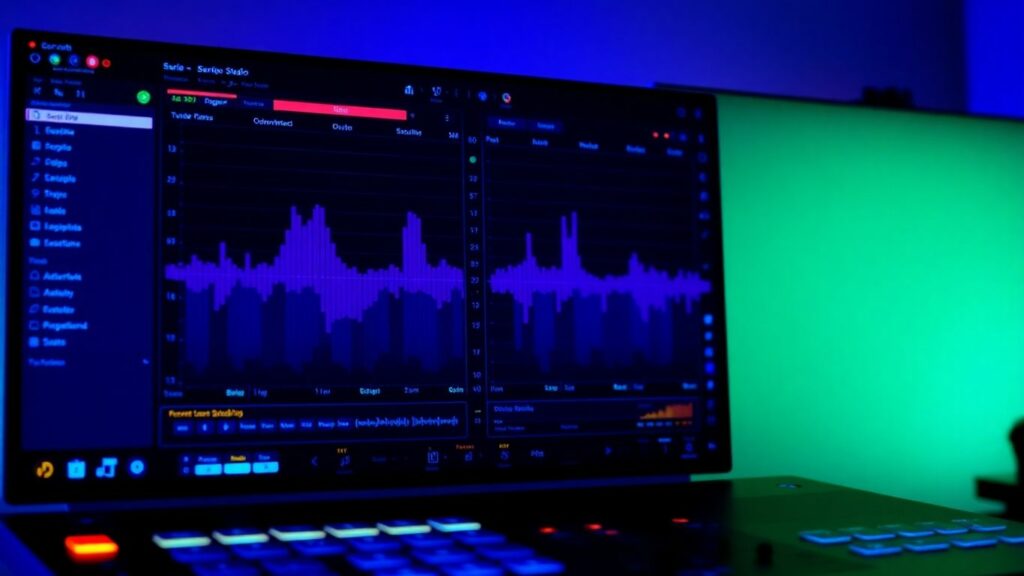
Serato Studio comes from a company most people know for DJ gear, and they’ve made a music production tool that feels pretty familiar if you’ve ever messed around with a DJ setup. It’s really built for making beats and remixes fast, especially if you’re into hip-hop, lo-fi, or electronic stuff. The whole idea is to get you making music quickly without getting bogged down in complicated menus.
One of the coolest things is how it handles samples. You can drag any song into Serato Studio, and it’ll figure out the key and tempo all by itself. Plus, it has this neat feature that can separate vocals, bass, drums, or melodies from a track. This is super handy for beginners who want to chop up and rearrange existing music without needing to know a lot about music theory. It makes creating your own versions of songs or flipping samples feel pretty straightforward.
The interface is pretty clean, with most of what you need right there on one screen. You build your track using “Scenes,” which are kind of like little loops or patterns, and then you string those together to make a full song. If you’re into making drum beats, the built-in step sequencer is easy to use and feels pretty natural for getting those rhythms down.
Pricing
Serato Studio has a free version if you want to try it out, which is nice. The full version is available as a subscription for about $10 a month, or you can buy it outright for around $250.
Mixcraft
Mixcraft is a solid choice if you’re working on a Windows machine and looking for a DAW that feels familiar, especially if you’ve used video editing software before. Its layout is pretty straightforward, with a timeline that makes arranging audio and MIDI feel natural. For beginners, the Quick Access panel is a real lifesaver; you can drag and drop instruments and effects right into your project without digging through a bunch of menus. It’s got a huge library of loops and sounds, over 7,500 in the latest version, which gives you a ton of material to start building tracks with. Plus, it supports VST plugins so that you can expand your sound palette down the line.
What’s cool is that Mixcraft offers a Performance Panel, which lets you trigger patterns on the fly, kind of like Ableton Live. It’s a feature you don’t always see in beginner-focused music-making applications, and it adds a surprising amount of flexibility. They offer two main versions:
- Recording Studio: This is the more basic version, great for getting started with recording and mixing.
- Pro Studio: This version adds more advanced tools, like Melodyne for pitch correction, and some higher-end plugins.
It’s definitely one of the best audio editing software options for those who prefer a more traditional, linear workflow. It’s affordable, too, with the Recording Studio version priced reasonably. Just remember, it’s Windows-only, so Mac users will need to look elsewhere.