

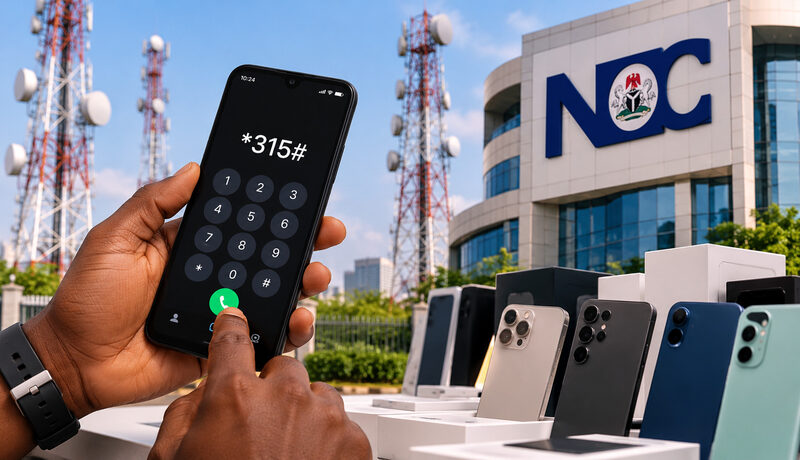
Dial *315# on your phone and, within seconds, you will know whether the Nigerian Communications Commission (NCC) considers your handset fit for use on Nigerian networks. Since October 7, 2026, that small check has carried real weight.
The NCC has started enforcing its type approval rules through a new Device Management System, and since October 10 many subscribers have received text messages warning that unverified phones could be cut off after 30 cumulative days of use. Here is what the rules say, what is still unclear, and what to do before you pay for your next phone.
What the new rules actually say

Type approval is not new. Nigerian law has long said that communications equipment must meet technical standards before it is sold or used in the country. The NCC draws its authority from section 132(2) of the Nigerian Communications Act 2003, the Nigerian Communications (Type Approval) Regulations 2024 and the Type Approval Business Rules 2024.
What changed on October 7, 2026, is how the rule is policed. After announcing a technology-driven compliance framework in September, the Commission switched on a Device Management System and a central register of device IMEI numbers. In plain terms, the NCC can now check a phone against its approval records electronically, instead of relying on spot checks at the border and in the market. Officials describe it as stronger enforcement of an existing requirement, not a fresh obligation.
The NCC’s FAQ is blunt on one point: it is prohibited to use, sell or import communications devices that are not type approved. The burden sits mainly with manufacturers, importers, suppliers and sellers. Ordinary buyers in Nigeria are not expected to apply for approval themselves.
| Item | Detail |
|---|---|
| Start date | October 7, 2026 |
| Legal basis | Nigerian Communications Act 2003 (section 132(2)); Type Approval Regulations 2024; Type Approval Business Rules 2024 |
| Enforcement tool | Device Management System and IMEI register |
| Who carries the duty | Manufacturers, importers, suppliers and sellers |
| Buyers inside Nigeria | Not expected to obtain type approval themselves |
| Phones already on a Nigerian network before October 7 | Automatically verified, according to the NCC |
| Ways to check | Dial *315#, visit ncc.gov.ng/devicechecker, or call the toll-free 315 line |
How to check your phone with *315#
The check takes less than a minute, and you can run it on a phone that is still sealed in its box.
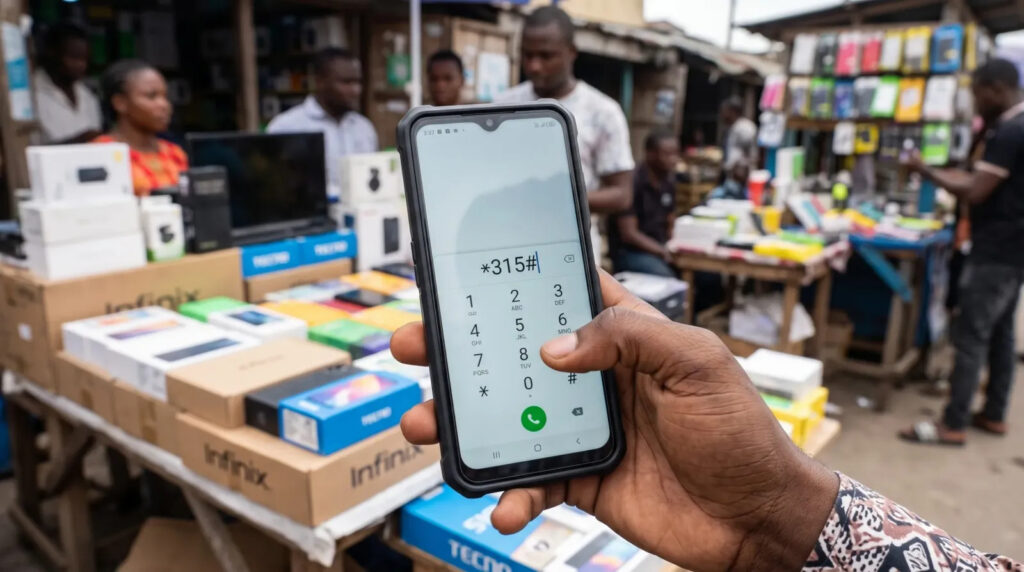
- Dial *315# from a phone with a Nigerian SIM.
- Press 1 to check the phone you are holding, or 2 to check another device by typing in its 15-digit IMEI.
- Read the reply. A phone that passes shows the message: “This device is NCC Type Approved and verified for use on Nigerian mobile networks.”
- No phone credit or signal to hand? Use the web checker at ncc.gov.ng/devicechecker, or call 315.
Not sure of an IMEI? Dial *#06# on the phone, and it appears on the screen. You will also find it in the settings menu and on the retail box.
| What you see | What it means | What to do |
|---|---|---|
| “NCC Type Approved and verified” message | The model is approved, and this particular phone is verified | Go ahead and buy or keep using it |
| Device not yet verified | The check could not confirm the phone. The NCC says this does not automatically mean it is fake | Hold off paying and ask the seller to explain. Call 315 if you already own it |
| A request for a one-time code | The system sometimes asks for this on a previously owned phone that may be cloned or fake | Enter the code only inside the official flow and never read it out to anyone |
A clean result confirms approval and verification status. It does not vouch for a phone’s repair history, software or physical parts, so a trustworthy seller still matters.
There is also a model-level route. You can search the NCC’s approved handsets register on its website using the exact model number from the phone’s settings or box. As of October 2, 2026, reports put the number of approved models at more than 2,000. The difference matters: approval belongs to the model, while verification belongs to the individual phone.
Scammers like a new rule. Use only *315#, the NCC’s own pages and the 315 line, and ignore links that arrive by text or WhatsApp. Reports so far say the check is free.
The 30-day warning, and why people are confused
On Saturday, October 10, the NCC began sending text messages under the sender name “NCC-Checker”. Owners of iPhones, Google Pixels, Tecno, Infinix and Oukitel phones, among others, reported getting them. The message says the device has not been verified, warns that it could be disconnected after 30 cumulative days, and tells the reader to contact the seller or dial 315.
The word “cumulative” matters. Reports say the countdown advances only on days the phone is actually used on a Nigerian network, so it is not a simple 30-day calendar clock. The figure itself echoes a grace period in the NCC’s FAQ for visitors: a phone that has never been used in Nigeria can run on a Nigerian SIM for up to 30 cumulative days within a year without verification.
The confusion comes from the timing. The NCC says phones already connected to a Nigerian network before October 7 were verified automatically. Yet some people who have used their handsets for years say they received the warning anyway, and one user told BusinessDay that an iPhone bought in the United Kingdom was flagged shortly after arriving in Nigeria. Others who bought locally got the message too. The NCC has not publicly reconciled the two accounts, so the safest move is to run the check yourself.
An NCC official told BusinessDay there was no need for panic and that the alerts were a warning, not an instant mass shutdown. The Commission said it would publish a registration procedure for people who bought phones abroad or through private deals, and planned media briefings in Lagos and Abuja.
Which devices the rules cover
The net is wider than most people assume. Anything with a SIM that connects to a Nigerian mobile network falls under it, so businesses that run SIM-enabled PoS terminals and routers are covered as well.
| Device type | Covered |
|---|---|
| Smartphones | Yes |
| Feature phones | Yes |
| Cellular tablets | Yes |
| SIM-enabled PoS terminals | Yes |
| SIM-enabled laptops | Yes |
| Cellular IoT devices, including routers and modems | Yes |
The NCC says devices confirmed as counterfeit or otherwise non-compliant will be refused access to Nigerian networks.
Buying new, second-hand or abroad
What you should do depends on where the phone came from. The NCC’s guidance boils down to one habit: check before you pay.
| Situation | What the NCC says | What to do |
|---|---|---|
| New phone from a Nigerian seller | Sellers and importers carry the approval duty. Buyers need no separate process | Ask the seller to confirm approval. Run *315# with the IMEI printed on the box |
| Second-hand phone in Nigeria | Past network use does not prove a phone’s status is acceptable | Dial *#06# on the handset, then check that IMEI before handing over money |
| Phone handed down by family or a friend | Normally no action needed | Run the check anyway |
| Phone bought abroad for personal use | Allowed if the model is approved and the device meets verification conditions. Personal imports follow a different process, using travel history details | Call 315 for the step-by-step guide |
| Visitor roaming on a foreign SIM | Not affected | Nothing |
| Visitor with a never-used-here phone and a Nigerian SIM | Up to 30 cumulative days in a year without verification | Verify before the grace period runs out |
Shops are in the frame too. Sellers are expected to work with the original manufacturer, importer or supplier to confirm that stock is approved and that each unit has gone through device-level verification before sale. Repairs matter as well: an IMEI must not be altered without the manufacturer’s consent, so use authorised repairers.
Pushback and the questions still open
Not everyone is convinced. The Association of Mobile Phones and Allied Products Traders of Nigeria rejected compulsory device registration back in September, and the weekend text messages have kept the argument alive.
The grey market is where the friction is sharpest. Plenty of working phones reach Nigerians through ordinary commercial routes: bought abroad, ordered through online marketplaces, or sold by independent importers. Google has no official retail presence in Nigeria, so every Pixel on a local network came in that way. TechAfrica News noted that the system does not yet draw an easy public line between a legitimate grey-market import and a cloned or counterfeit handset.
Then there is money. Traders have mentioned registration fees of roughly ₦670 for basic phones and more than ₦3,700 for high-end ones. The NCC has not confirmed any charge, and its FAQ says nothing about a fee, so treat those figures as unverified until the Commission publishes its own.
Privacy worries have followed the rollout too. Engr. Edoyemi Ogoh, the NCC’s Director of Technical Standards and Network Integrity, says the platform exists only for device identification and type approval compliance. The FAQ adds that it gives the NCC no access to calls, messages or photos, and no ability to track a phone’s location. It does say device identifiers may be linked to mobile numbers for verification purposes.
One question remains unanswered in public: if a shop sold you a non-compliant phone years ago, who carries the cost of fixing it? BusinessDay raised exactly that point, and the NCC has promised more detail but has not yet supplied it.
What to do if your phone is flagged
A warning is not a verdict. Work through it in order.
- Screenshot the text message, then dial *315# from the flagged phone and read what the result says.
- Bought it in Nigeria? Go back to the seller. They are expected to sort out verification with the manufacturer or importer.
- Bought it abroad for your own use? Call 315 and ask for the personal-import process, which relies on your travel history.
- Still stuck? Contact your network provider, or the NCC on 622.
- Never share a one-time code with a caller, seller or anyone else, and never tap links in unsolicited texts.
The short version for anyone shopping this week: ask for the IMEI, run the check in front of the seller, and walk away if the result does not read “NCC Type Approved and verified for use on Nigerian mobile networks.” It costs a minute and can save you a phone.