


Protecting your privacy on messaging platforms has become crucial. WhatsApp, with its billions of users worldwide, offers several features to help safeguard your conversations – including the ability to delete sent messages.
WhatsApp’s message deletion feature lets you:
- Remove messages from both your device and recipients’ chats
- Delete messages only from your own device
- Set messages to automatically disappear after a specific time
The platform’s “Delete for Everyone” option can rescue you from awkward situations, like sending a message to the wrong person or containing errors. Yet, this feature comes with limitations – you have just about an hour to delete a message, and there’s no guarantee the recipient hasn’t already seen it.
Your privacy on WhatsApp depends on understanding these deletion features and using them strategically. While message deletion adds a layer of protection, it’s essential to remember it’s not a foolproof solution for privacy concerns. Smart messaging habits combined with WhatsApp’s privacy features create the strongest defense for your digital conversations.
WhatsApp Message Deletion
WhatsApp offers two distinct options for message deletion: “Delete for Everyone” and “Delete for Me”. Each serves a specific purpose in managing your chat privacy.
Delete for Everyone
This feature allows you to remove messages from both your chat and the recipient’s conversation. It’s particularly useful when you:
- Send a message to the wrong person
- Notice a typo after sending
- Share sensitive information accidentally
Delete for Me
This option removes messages only from your device while keeping them visible to other chat participants. You might use this to:
- Clear space on your device
- Remove content you don’t want to see
- Organize your chat history
How to Delete Messages on WhatsApp
- Open the WhatsApp conversation
- Press and hold the message you want to delete
- Tap the trash icon at the top of the screen
- Choose your deletion option:
- “Delete for Everyone”
- “Delete for Me”
- Confirm your choice
Important Deletion Limitations
The “Delete for Everyone” feature comes with several restrictions:
- Time limit: You have approximately 60 minutes to delete a message
- Notification alerts: Recipients might see message previews before deletion
- Delivery status: Messages must be successfully delivered for deletion
- App version compatibility: Both sender and recipient need updated WhatsApp versions
- Media files: Previously downloaded photos or videos might remain on the recipient’s device
- No confirmation: WhatsApp doesn’t notify you if the deletion fails
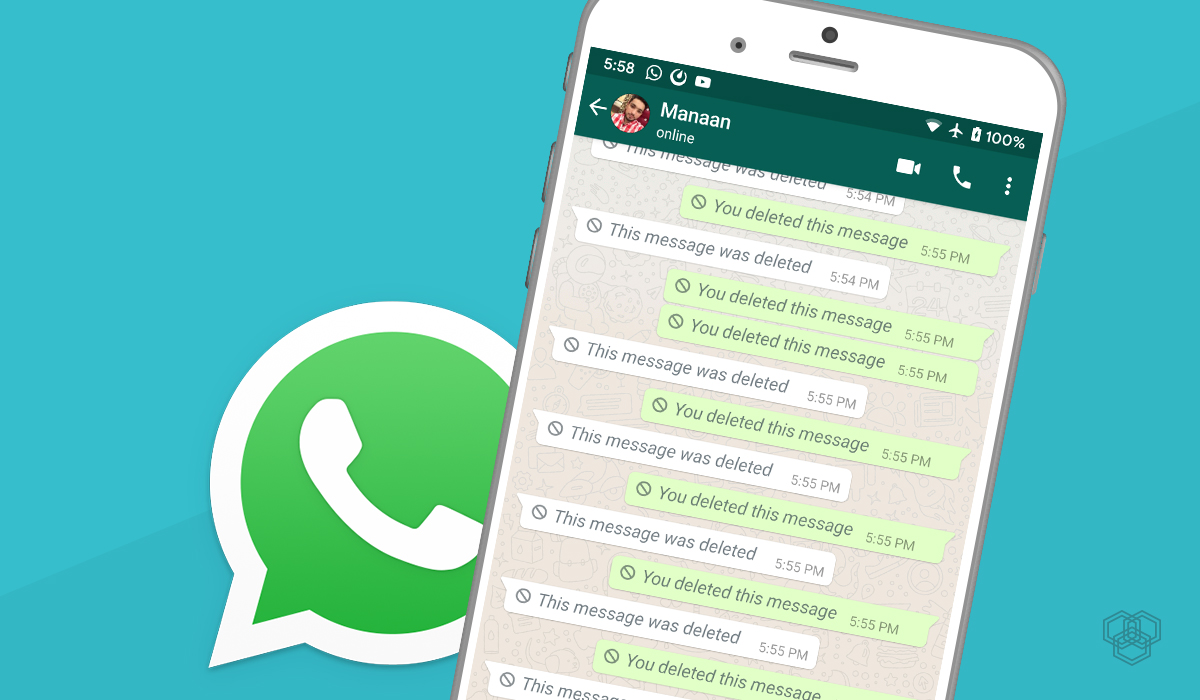
You can select multiple messages simultaneously for deletion by long-pressing the first message and tapping additional messages you want to remove. The deleted message appears as “This message was deleted” in the chat, indicating successful removal.
Types of Message Deletion
WhatsApp offers distinct deletion options based on whether you’re managing sent or received messages. Let’s explore these differences:
Deleting Sent Messages
- Delete for Everyone: Removes the message from both your chat and the recipient’s chat
- Delete for Me: Removes the message only from your chat while keeping it visible to others
- Ideal for:
- Correcting typos or mistakes
- Removing sensitive information sent to wrong contacts
- Managing group chat messages
Deleting Received Messages
- Only “Delete for Me” option available
- Removes messages solely from your device
- Original sender and other chat participants retain their copy
- Useful scenarios:
- Decluttering your chat history
- Removing unwanted media to free up storage
- Managing personal message organization
Group Chat Considerations
- Sent message deletion affects all group members
- Received message deletion only impacts your view
- Group admins can’t delete other members’ messages
- Each member manages their own message visibility
Remember: Message deletion timing affects your options. The sooner you act, the more control you have over managing your WhatsApp communications.
Limitations and Recovery Options for Deleted Messages
WhatsApp’s message deletion feature comes with specific limitations you need to understand. The success of message deletion depends on several key factors:
Time Restrictions
- Messages can only be deleted within a 1-hour window after sending
- After this timeframe expires, the deletion option becomes unavailable
- The clock starts ticking from the moment you hit send
Notification Challenges
- Recipients with preview notifications enabled can still see message content
- Message previews remain visible in notification centers
- System notifications might capture and store message content
Read Receipt Impact
- Disabled read receipts make it impossible to confirm if messages were seen
- Messages read before deletion remain in recipients’ memory
- Media files might be auto-downloaded before deletion
Failed Deletions
- No notification when “Delete for Everyone” fails
- Recipients might still see messages if using older WhatsApp versions
- Internet connectivity issues can prevent successful deletion
Recovery Methods
WhatsApp offers several ways to retrieve deleted messages:
1. Cloud Backup Recovery
- iOS users: Restore from iCloud backup
- Android users: Access Google Drive backup
- Requires uninstalling and reinstalling WhatsApp
2. Local Backup Options
- Check WhatsApp’s local backup folder
- Access device-specific backup locations
- Use third-party recovery tools (use with caution)
Recovery Process**
- Uninstall WhatsApp
- Reinstall the application
- Verify your phone number
- Select “Restore Chat History” when prompted
- Wait for backup restoration to complete
Remember: Media files sent through WhatsApp might still exist on recipients’ devices even after message deletion. Recipients using older app versions might retain access to deleted content.
Privacy Features in WhatsApp You Should Know About
WhatsApp incorporates robust privacy features to protect your conversations and personal data. Here’s what you need to know about these built-in security measures:
1. End-to-End Encryption
Your messages, calls, and shared media are automatically protected with end-to-end encryption. Only you and your recipient can read the content – not even WhatsApp can access these communications.
2. Custom Privacy Settings
- Last Seen Status: Control who sees when you were last active
- Profile Photo: Choose who can view your profile picture
- About Information: Restrict access to your status updates
- Read Receipts: Toggle blue ticks on/off for message read status
3. Two-Step Verification
Enable this additional security layer by setting up a PIN code. This prevents unauthorized access to your account, even if someone obtains your verification code.
4. Group Privacy
You can:
- Control who adds you to groups
- Silently leave groups without notifying other members
- Block specific contacts from adding you to groups
5. Disappearing Messages
Set messages to automatically delete after:
- 24 hours
- 7 days
- 90 days
6. Screen Lock Integration
Secure your WhatsApp with:
- Fingerprint authentication
- Face ID
- Device PIN code
These security features work together to create multiple layers of protection for your WhatsApp communications.
Best Practices for Protecting Your Privacy on WhatsApp
Implementing strong privacy practices on WhatsApp helps safeguard your personal information. Here are essential security measures you can adopt:
Message Management
- Set default message expiration times for new chats
- Use view-once feature for sensitive photos and videos
- Delete messages promptly if sent by mistake
- Review and clear chat histories regularly
Media Protection
- Disable automatic media downloads
- Turn off “Save to Camera Roll” option
- Check media files before sharing
- Avoid sending sensitive documents through WhatsApp
Account Security
- Enable two-step verification
- Regularly update your WhatsApp application
- Log out from WhatsApp Web after each session
- Review linked devices periodically
Privacy Settings Optimization
- Customize profile photo visibility
- Restrict “Last Seen” status
- Disable read receipts if needed
- Control group add settings
Chat Management
- Archive inactive conversations
- Block unknown contacts
- Use broadcast lists instead of groups for mass messages
- Review and remove unnecessary group memberships
Data Backup
- Encrypt WhatsApp backups
- Choose secure backup frequency
- Select appropriate cloud storage settings
- Monitor backup storage space
These practices create multiple layers of privacy protection while maintaining WhatsApp’s functionality for daily communication needs.
Conclusion
WhatsApp’s message deletion features are valuable tools for protecting your privacy, but they’re not perfect solutions. The platform’s built-in privacy measures, such as “Delete for Everyone” and view-once messages, help you manage your online presence. These features work best when combined with mindful messaging habits and proactive management of your privacy settings.
Remember these key points:
- Message deletion has a time limit of one hour
- Recipients might see messages through notifications before deletion
- End-to-end encryption protects your conversations
- Regular privacy checkups strengthen your security
Your vigilance is still the strongest shield for your privacy. Think carefully before sending sensitive information, use the available privacy features strategically, and stay informed about WhatsApp’s security updates. By combining WhatsApp’s privacy tools with your cautious approach, you can create a more secure messaging environment that protects both you and your contacts in today’s digital world.
FAQs (Frequently Asked Questions)
What is the importance of privacy on messaging platforms like WhatsApp?
Privacy is crucial on messaging platforms as it protects users’ personal information and communication from unauthorized access. Understanding how to use features like message deletion can help safeguard your privacy, but it’s important to note that these features are not foolproof.
What options does WhatsApp provide for deleting messages?
WhatsApp offers two main options for deleting messages: ‘Delete for Everyone’ allows you to remove a message from both your chat and the recipient’s chat, while ‘Delete for Me’ only removes the message from your chat. It’s essential to be aware of time restrictions and notifications that may affect these deletions.
Are there different types of message deletion in WhatsApp?
Yes, there are differences between deleting sent messages and received messages. Deleting sent messages removes them from both parties’ chats, while deleting received messages only affects your view. Depending on user intent, each type of deletion can be applicable in various scenarios.
What are the limitations of WhatsApp’s message deletion feature?
The limitations include time restrictions for using the ‘Delete for Everyone’ option and potential notifications that inform recipients when a message has been deleted. Additionally, if deletion fails due to network issues or timing, the message may still be visible.
How can I recover deleted messages on WhatsApp?
If you’ve deleted messages on WhatsApp, recovery options depend on backups. If you’re on Android, you can restore deleted messages via iCloud using an iPhone or Google Drive. It’s advisable to regularly back up your chats to ensure you have recovery options available.
What best practices should I follow to protect my privacy on WhatsApp?
To enhance your privacy on WhatsApp, consider managing read receipts, being cautious with media sharing, and utilizing privacy settings such as end-to-end encryption. Staying vigilant about who you share your information with can further safeguard your data.
Discussion about this post