

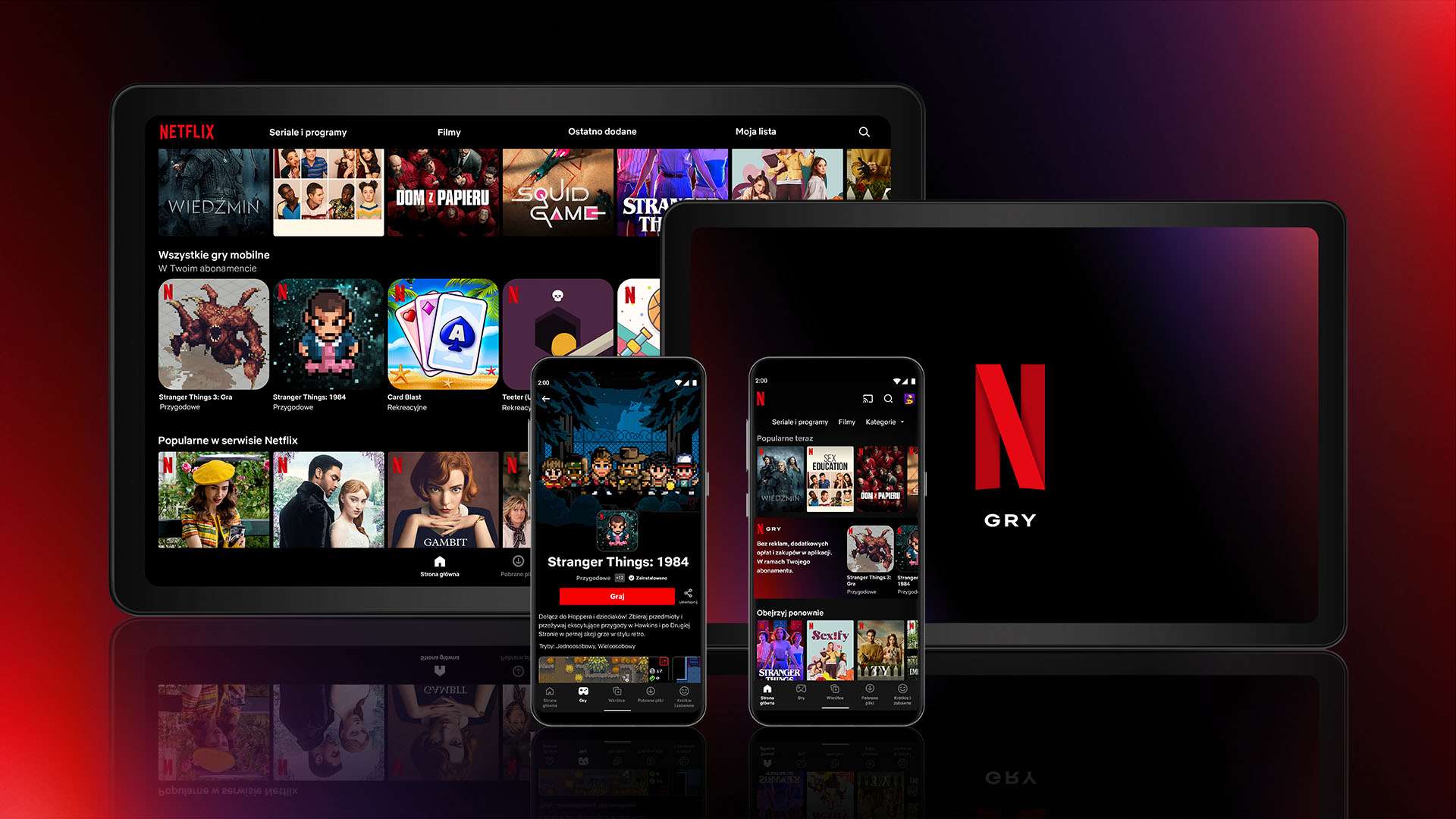

Are you ready to dive into the world of endless entertainment? Netflix, the global streaming giant, is now at your fingertips in Nigeria. Whether you’re craving the latest Nollywood hits, Hollywood blockbusters, or binge-worthy series, subscribing to Netflix opens up a treasure trove of content.
But how do you get started? In this guide, you’ll discover the simple steps to sign up and subscribe to Netflix in Nigeria. From choosing the right plan to setting up your account, we’ll walk you through the process, ensuring you’ll be streaming your favorite shows in no time.
How Does Netflix Work?
Netflix operates as a subscription-based streaming service, offering a vast library of movies, TV shows, documentaries, and original content. Understanding how Netflix functions can help you make the most of your subscription.
Streaming on Demand
Netflix utilizes internet-based streaming technology to deliver content directly to your devices. When you subscribe to Netflix, you’re essentially gaining access to this extensive digital library. Once subscribed, you can watch any available title at any time, without the need for downloads or waiting for scheduled broadcasts.
Personalized Recommendations
Netflix employs sophisticated algorithms to analyze your viewing habits and preferences. This data-driven approach allows the platform to suggest content tailored to your tastes, enhancing your viewing experience and helping you discover new favorites.
Multi-Device Access
One of Netflix’s key features is its versatility. You can access your account on multiple devices, from smart TVs and gaming consoles to smartphones and tablets. This flexibility ensures you can enjoy your favorite content wherever and whenever you choose.
Regular Content Updates
Netflix continually refreshes its library, adding new titles and producing original content. This constant influx of fresh material keeps the service engaging and relevant, providing subscribers with an ever-expanding selection of entertainment options.
Devices You Can Use to Watch Netflix
Netflix’s versatility is one of its greatest strengths. The streaming giant offers a wide array of devices through which you can access its vast library of content. Understanding these options will help you decide how to subscribe to Netflix and enjoy your favorite shows and movies.
Smart TVs and Gaming Consoles
Many modern smart TVs come with Netflix pre-installed or easily downloadable. Simply log in to your account, and you’re ready to stream. Similarly, popular gaming consoles like PlayStation and Xbox offer Netflix apps, allowing you to switch seamlessly between gaming and binge-watching.
Mobile Devices and Tablets
For on-the-go entertainment, the Netflix mobile app is available for both iOS and Android devices. Whether you’re using a smartphone or tablet, you can download content for offline viewing, perfect for long commutes or flights.
Computers and Laptops
You can access Netflix on computers and laptops as well, this is ideal for those who prefer a larger screen than mobile devices but don’t have a smart TV.
Streaming Devices
Devices like Roku, Amazon Fire TV Stick, and Apple TV can turn any TV with an HDMI port into a smart TV capable of streaming Netflix. These affordable options are perfect for upgrading older televisions without built-in smart features.
How to Create a New Netflix Account
Creating a Netflix account is a straightforward process, and we’ll walk you through the process for various devices.
Android Devices
Open a mobile browser and visit (netflix.com/signup). If you have the Netflix app, start sign-up from the app, then finish on a mobile or computer browser.
If you have the Netflix app from the Samsung Galaxy store, you can sign up from the app without using a mobile or computer browser.
- Create an account with your email address and password (If you use the Netflix Android app, you’ll receive an email from Netflix with a link to finish sign-up on Netflix.com using a mobile or computer browser).
- Choose your plan and enter a payment method.
- Stream on!
iPhone or iPad
- Visit (netflix.com/signup) from a mobile browser. (Note: Sign-up isn’t supported on the Netflix iOS app.)
- Choose your plan and create an account with your email address and password.
- Enter a payment method.
- Download and sign in to the Netflix app on your device (iOS 16 or above).
- Stream on!
Computer
- Visit (netflix.com/signup).
- Choose your plan and create an account with your email address and password.
- Enter a payment method.
- Stream on!
Cable Box
- Open the Netflix app. (If you need help finding it, search the Netflix Help Center.)
- Follow on-screen prompts to create an account.
- Stream on! (Note: Some older cable boxes may not support direct sign-up).
TV or TV Streaming Device
- Open the Netflix app. (If you need help finding it, search the Help Center.)
- Provide your email address or phone number to receive an activation link.
- Choose your plan, create an account, and enter a payment method.
- Stream on! (Note: Some older devices may not support direct sign-up).
That’s it! If you encounter any issues, feel free to explore Netflix Help Center for more information.
After completing the sign-up process, you’ll be prompted to set up your profile. Choose your preferred language and select the types of shows and movies you enjoy. This helps Netflix recommend content tailored to your tastes.
By following these steps, you’ll have successfully created your Netflix account and can start streaming immediately. Remember, you can always modify your plan or cancel your subscription at any time through your account settings.
How to Subscribe to Netflix in Nigeria
Your Netflix membership is billed monthly on the same date you signed up. With no contracts, fees, or obligations, you’re free to adjust your plan or cancel anytime online, hassle-free.
Requirements
- A stable internet connection
- A compatible device (smartphone, tablet, smart TV, or computer)
- A valid email address
- A payment method
Create an Account
To begin your Netflix journey, visit netflix.com or download the Netflix app on your mobile device. Click “Sign Up” and provide your email address and a secure password. If you already have an account, simply enter your registered email and password, then login. Choose a payment method that suits you best.
Choose Your Plan
Netflix offers four subscription tiers in Nigeria: Mobile, Basic, Standard, and Premium. Each plan comes with different features such as video quality and number of screens you can watch simultaneously. Select the one that best fits your needs and budget.
Subscription plans
- Mobile: The lowest subscription plan, costing ₦2,200 per month
- Basic: Costs ₦3,500 per month
- Standard: Costs ₦5,500 per month and allows high-definition streaming on two devices simultaneously
- Premium: Costs ₦7,000 per month and offers Ultra HD quality on four devices simultaneously
Complete Payment
After selecting your plan, you’ll need to enter your payment details. Follow the prompts to input your chosen payment method information.
Start Streaming
Once your account is set up and payment information is confirmed, you’re ready to start streaming!
Activation and Login
- Launch the Netflix app on your device.
- Enter your email address and password to log in.
- Start streaming your favorite shows and movies!
Browse through Netflix’s vast library of movies, TV shows, and documentaries. You can create multiple profiles within your account for personalized recommendations.
Remember, you can change or cancel your subscription at any time. Netflix makes it easy to manage your account settings, including payment information and plan details, directly from their website or app.
Frequently Asked Questions
Here are some frequently asked questions and answers about subscribing to Netflix in Nigeria.
How do I Subscribe to Netflix in Nigeria?
To subscribe to Netflix in Nigeria, you’ll need to create an account and choose a subscription plan. Start by visiting the Netflix website or downloading the app. Click “Sign Up” and follow the prompts to enter your email address and create a password. Next, select your preferred payment method and enter your billing information.
What payment methods are available?
Netflix accepts various payment options in Nigeria, including credit/debit cards and mobile money services. Some popular choices include Mastercard, Visa, and Verve cards. Mobile payment options may vary depending on your service provider.
Can I change my Netflix subscription plan?
Yes, you can easily change your Netflix subscription plan at any time. To change your Netflix subscription plan, you can:
- Go to the Netflix Your Account page on any web browser
- Select Account in the upper right corner
- Scroll down to Plan details
- Select Change plan on the right side
- Choose a new plan
- Click Continue
The new plan will take effect at the start of your next billing cycle.
How do I cancel my Netflix subscription?
To cancel your Netflix subscription follow these instructions:
- Visit the Netflix Your Account page
- Click the Cancel Membership link
- Tap Finish Cancellation
Is there a free trial available?
As of now, Netflix no longer offers a free trial in Nigeria. However, they frequently run promotional offers for new subscribers. Keep an eye out for these deals to potentially save on your initial subscription costs.
Can I share my Netflix account?
While Netflix allows multiple profiles on one account, sharing your login credentials outside your household is against their terms of service. Consider choosing a plan that allows for multiple simultaneous streams if you want to share with family members.
Conclusion
As you’ve seen, signing up for Netflix in Nigeria is a straightforward process that opens up a world of entertainment at your fingertips. By following the steps outlined in this guide, you can quickly create an account, choose a subscription plan, and start streaming your favorite shows and movies.
Remember to consider factors like internet speed and device compatibility to optimize your viewing experience. With Netflix’s diverse content library and user-friendly interface, you’re sure to find something to enjoy.
Discussion about this post