Friday, December 19, 2025
  • REPORT A STORY
  • PRIVACY POLICY
  • CONTACT
WITHIN NIGERIA
  • HOME
  • FEATURES
  • NEWS
  • ENTERTAINMENT
  • FACT CHECK
  • MORE
    • VIDEOS
    • GIST
    • PIECE (ARTICLES)
No Result
View All Result
WITHIN NIGERIA
  • HOME
  • FEATURES
  • NEWS
  • ENTERTAINMENT
  • FACT CHECK
  • MORE
    • VIDEOS
    • GIST
    • PIECE (ARTICLES)
No Result
View All Result
WITHIN NIGERIA
No Result
View All Result
  • HOME
  • FEATURES
  • NEWS
  • ENTERTAINMENT
  • FACT CHECK
  • MORE

How to Tint Your iPhone Screen to Look More Saturated

by Damilare Aanu
June 23, 2018
in General
Reading Time: 1 min read
A A
0
Share on FacebookShare on Twitter

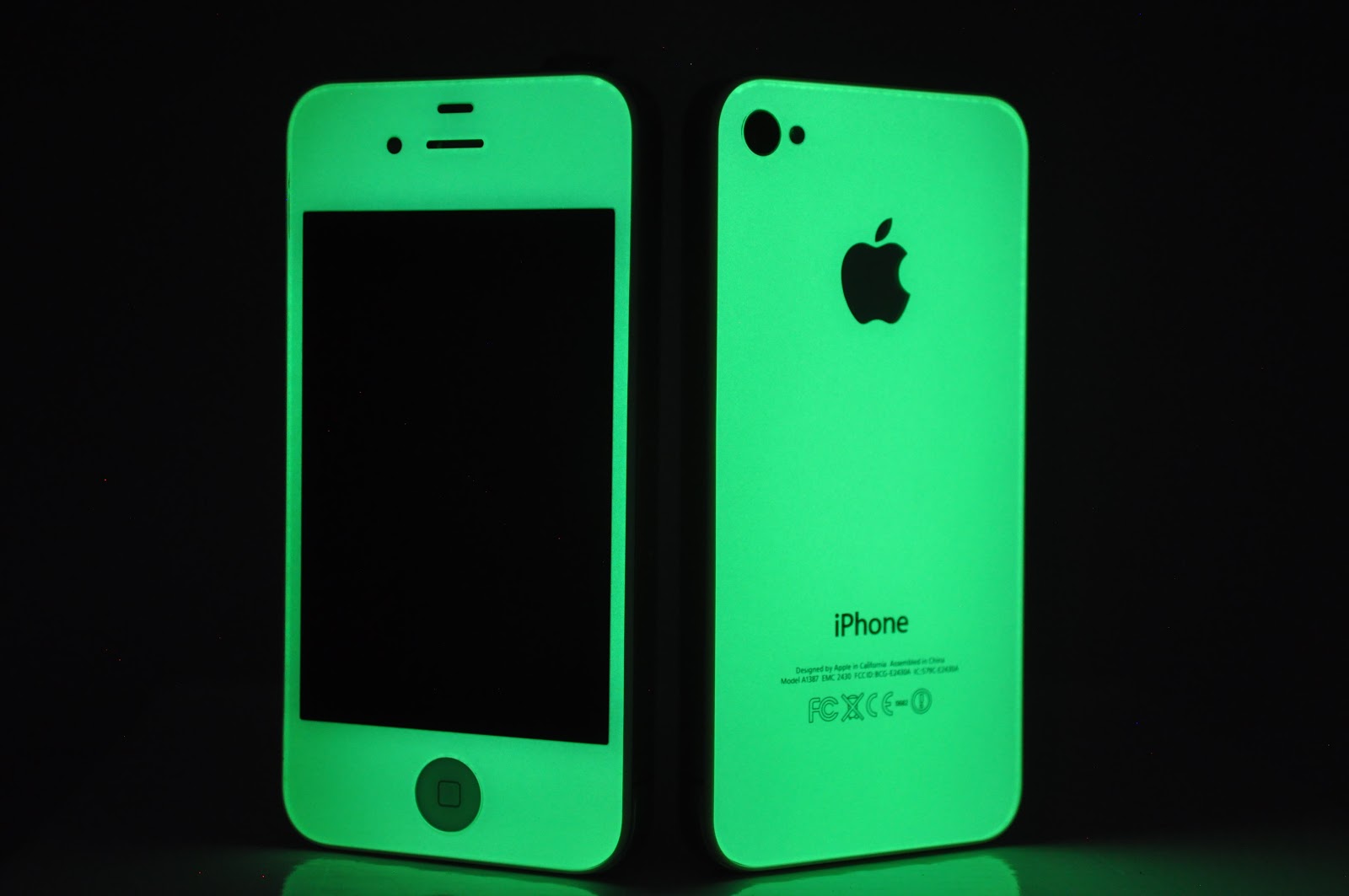
The almighty image filter has shown us just how powerful the slightest image tweak can be. You may not know it, but your iPhone is capable of doing the same color-tweaking for its entire display.

Reddit user Pretentious_Fella points out that its easy to give an iPhone’s colors more “pop.” Apple has included this feature for users who may be color blind, but anyone can head to the Settings app and access these options.

Simply navigate toward General > Accessibility > Display Accommodations, and then switch Color Filters to the on position. From here, make sure to choose the Blue/Yellow filter, and enjoy your fresh (albeit artificial) coat of paint. That said, the tweak might not please everyone, and you may find you like more purplish-blues and neon greens (don’t worry, the changes won’t show up in screenshots).

READ ALSO

My Ordeals In The Hands Of My Abductors,Narrates Enugu-born Surveyor

NIGERIA AT A CROSSROADS: Trump’s CPC tag, escalating violence and pressing questions

Analysis: Attacks on Women, Ritual Activities Continue To Gain Momentum In Nigeria

Detailing the Hollywoodbets register process

Bobrisky slams Rosy Meurer for denying being the reason for Tonto Dikeh and Churchill’s split

Android smartphone owners have similar options, just navigate to Settings > Accessibility > Color correction. Like iOS, you’ll see three options for color adjustments. Play around and pick what you like—if anything.

If you want to adjust your desktop or laptop’s colors, you have even more options. On a Mac, the Display section of the System Preferences will have the options you need (under Color). If you’re on Windows, the Ease of Access section of Settings will let you choose your desired colors (under Color filters).


RELATED STORYPosts

General

My Ordeals In The Hands Of My Abductors,Narrates Enugu-born Surveyor

by Nnadi Christopher Ikechukwu
December 19, 2025
General

NIGERIA AT A CROSSROADS: Trump’s CPC tag, escalating violence and pressing questions

by W.N YEMI
November 30, 2025

Discussion about this post

JUST IN

A tax law and a government’s troubling shenanigans — The Abdulsammad Dasuki testament

by Afolabi Hakim
6:22 Dec 19, 2025

A government that signs secret tax deals with France, an aggressive, rapacious…

WITHIN NIGERIA

WITHIN NIGERIA MEDIA LTD.

NEWS, MULTI MEDIA

WITHIN NIGERIA is an online news media that focuses on authoritative reports, investigations and major headlines that springs from National issues, Politics, Metro, Entertainment; and Articles.

Follow us on social media:

CORPORATE LINKS

  • About
  • Contacts
  • Report a story
  • Advertisement
  • Content Policy
  • Privacy Policy
  • Terms
 
  • Fact-Checking Policy
  • Ethics Policy
  • Corrections Policy
  • WHO IS WITHIN NIGERIA?
  • CONTACT US
  • PRIVACY
  • TERMS

© 2022 WITHIN NIGERIA MEDIA LTD. designed by WebAndName

No Result
View All Result
  • HOME
  • FEATURES
  • NEWS
  • ENTERTAINMENT
  • FACT CHECK
  • MORE
    • VIDEOS
    • GIST
    • PIECE (ARTICLES)

© 2022 WITHIN NIGERIA MEDIA LTD. designed by WebAndName